
Before
A group lives in WhatsApp
Passports in one folder, hotel promises in a notebook, a rooming list in Excel, and buses on a call. When a late change comes, nobody is sure which list is right.
Umrah operators move groups through visas, hotels, rooms, buses and flights, often across several chat apps and sheets. Travix Umrah keeps the whole trip in one place and hands the costs to your accounts, so the movement and the money always agree.
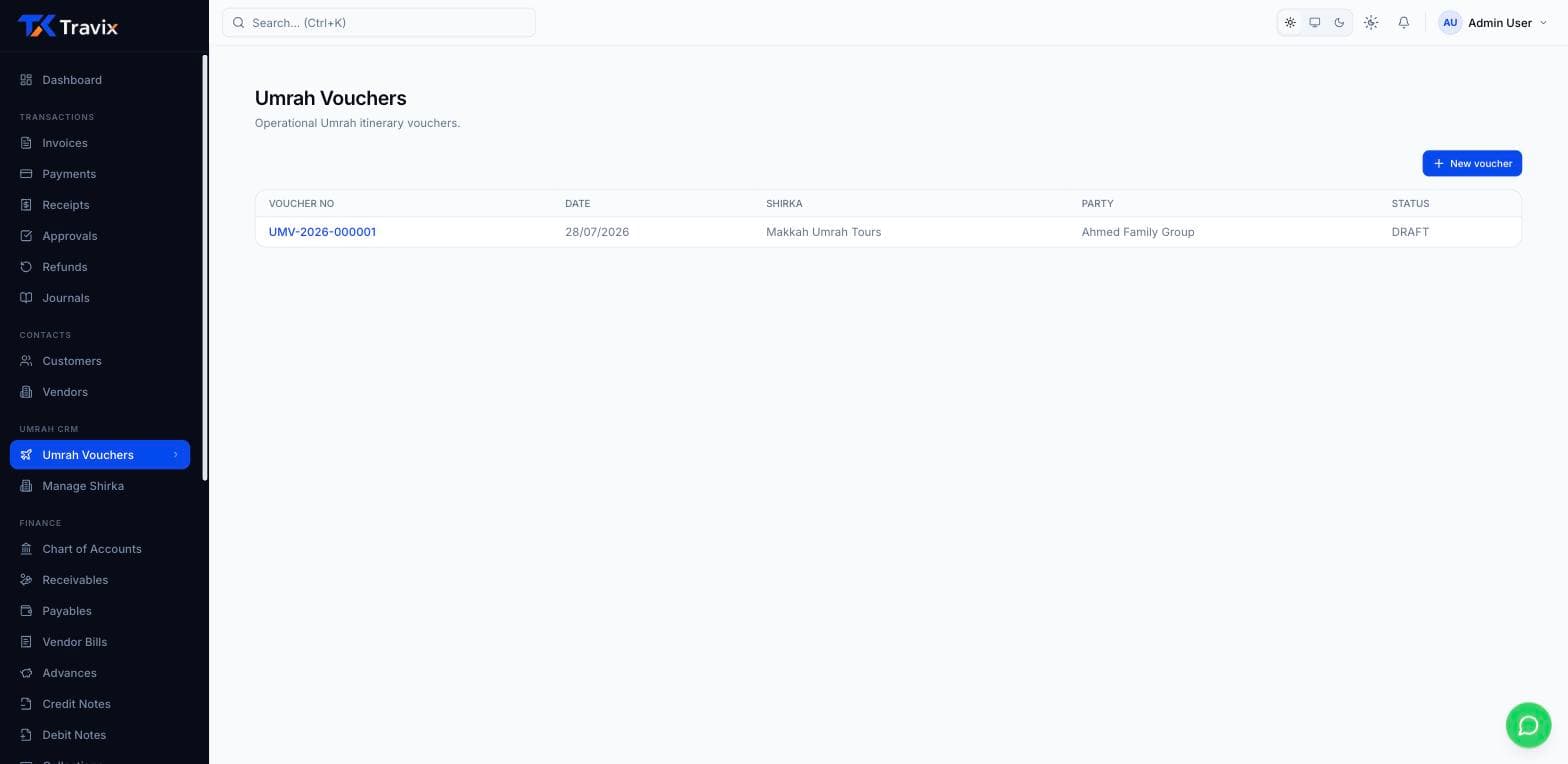
If you confirm groups and then run them — importing MOFA lists, buying hotel beds, filling rooms, sending buses and meeting flights — Travix Umrah is the operations layer that starts where your invoice ends. It sits on the same account as your finance books, so a hotel contract raises its own draft bill instead of being retyped.
Before
Passports in one folder, hotel promises in a notebook, a rooming list in Excel, and buses on a call. When a late change comes, nobody is sure which list is right.
After
Pilgrims, hotels, beds, vouchers, buses and flights share one system. A change in one place shows everywhere, and your accountant sees the hotel bill without being told.
An example day
This is how one group moves through Travix Umrah. It is an example, not a customer story.
Confirmation
Import the MOFA list, or scan passports one by one. Duplicates are flagged before anything is saved.
Rooms
Check which beds you bought are free, then place pilgrims. The rules warn you before a bad placement.
Paperwork
Start it from the invoice, add the shirka branding, and print one document your ground team trusts.
Travel
Approving the voucher makes the arrival lists and bus moves. Your airport team marks people in.
In Saudi
Check-in and check-out keep your bed count true, and alerts warn you about visas and arrivals.
After
The hotel contract has already raised a draft bill for your accountant, and the reports show how the group went.
MOFA import and passport scan
Bring in a whole list, or scan one passport and let the form fill in.
Hotel contracts and bed inventory
Know what you bought, what is used, and what is free tonight.
Room allocation
A bed map that checks capacity, gender and blocks as you place people.
Vouchers with shirka branding
One printable document with flights, hotels, buses and pilgrims.
Arrivals, check-in and alerts
Mark people in, free beds at check-out, and get warned before a visa ends.
These add-ons work on the same account, with the same customers, suppliers and books.
Join the travel businesses that traded spreadsheets and legacy ERP for a platform actually built around how agencies work.